WebGPU × WebAssembly
Rendering and Computing Engine for Scientific Workloads in the Browser.




Latest Release
- Added 64-bit WebAssembly math, typed vector and matrix kernels, and richer Python and WebGPU interop.
- Added configurable directional shadow mapping for standard materials.
- Fixed glTF loading, transactional import, geometry decoding, and runtime semantics.
- Added configurable axis triads, annotated grids, and adaptive legends.
- Changed compute and renderer hot paths for greater runtime performance.
- Fixed Rust ABI math safety, vector and quaternion formatting, and orbit controls at camera poles.
npm install @zushah/wasmgpu@0.10.0https://cdn.jsdelivr.net/gh/Zushah/WasmGPU@0.10.0/release/WasmGPU.iife.min.jsRich Rendering
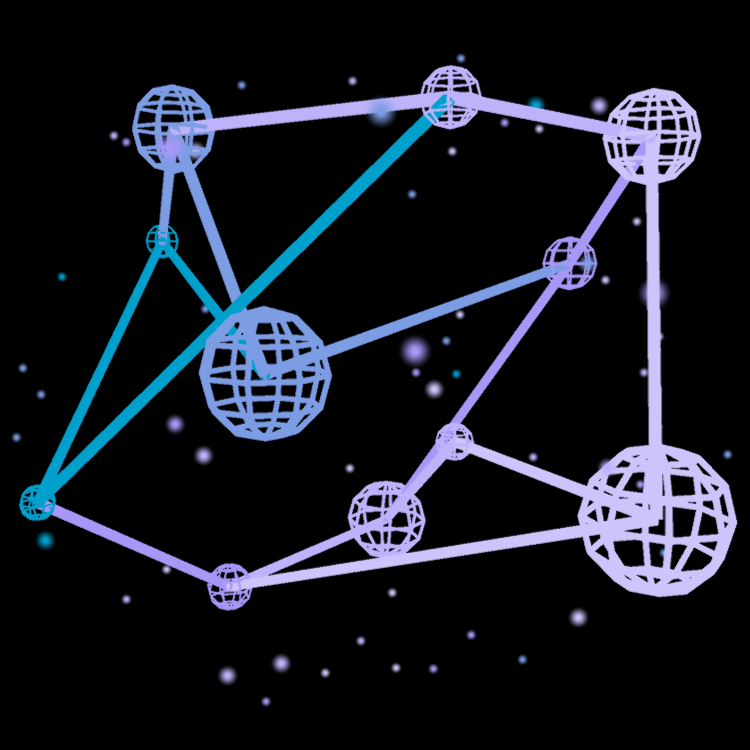
WasmGPU renders conventional meshes alongside pointclouds, glyphfields, nodelinks, splatfields, and latticespaces, as well as mathematical primitives for cartesian and parametric curves and surfaces. Its material system includes unlit, standard, custom, and data materials, supported by textures, mipmaps, colormaps, scaling, lighting, and shadowing. The renderer handles opaque, transmissive, and transparent passes, GPU depth sorting, instanced draw reuse, SMAA antialiasing, and ID-buffer picking. glTF 2.0 assets can be imported with support for over a dozen extensions. Texture loading includes browser decoding, cancellation, fallbacks, and generated mip chains.
Scientific Computing
WasmGPU exposes storage and uniform buffers, arbitrary WGSL compute pipelines, validated one-, two-, and three-dimensional workgroup dispatch, and multi-kernel command batches. Its built-in kernels library covers vector arithmetic, copying, reductions, argument reductions, prefix scans, histograms, compaction, radix sorting, matrix multiplication, LU factoring and solving, and data-scaling operations. CPU and GPU ndarrays retain shape, stride, offset, layout, and numeric-type metadata, while pooled scratch buffers, reusable asynchronous readback slots, upload paths, and an RGBA canvas blitter support complete browser-side compute workflows.
Data-Oriented Runtime
WasmGPU divides orchestration between a TypeScript WebGPU engine and a Rust WebAssembly driver. Transforms live in structure-of-arrays blocks in linear memory, where dirty hierarchy updates, matrix composition, bounds evaluation, normal generation, animation matrices, and frustum culling run in batches with SIMD acceleration where available. A resettable frame arena supplies transient staging data, while reclaimable heap arenas support longer-lived allocations. On the browser side, growable buffers, scratch pools, readback rings, pipeline caches, packed uniform records, instanced draw batches, explicit borrowed-buffer ownership, and deterministic destruction keep hot paths predictable.
Flexible Interoperability
WasmGPU ships both an npm package and a CDN bundle for easy integration with modern JavaScript projects. Its WebAssembly interop layer resolves exported functions, globals, pointers, lengths, UTF-8 data, typed memory views, and changing memory buffers without taking ownership of external modules. Python interop accepts Pyodide proxies and NumPy-compatible arrays, validates shapes, strides, contiguity, and numeric types, and transfers data through CPU or GPU ndarrays. WebGPU helpers normalize layouts and binding resources, while external buffers, borrowed memory sources, custom WGSL materials, and compute pipelines provide lower-level integration paths.